

If you’re a business owner or professional working in the Channel Islands, chances are you’re already on LinkedIn, and you’re already sending emails.
For many, LinkedIn is a ‘nice to have’ visibility tool, while email is treated as a separate, slightly annoying obligation you have to complete at least once a month.
Used in isolation, neither channel quite lives up to its potential. But. used together, they quietly become one of the most powerful, affordable marketing engines you could ever have.
So how does that work in practice?
Why LinkedIn is your best warm-up tool
Most email problems don’t start in the inbox. They start earlier… They’re missing context If someone barely knows who you are, your email drops in as:
- Another task to do
- Another decision to make
- Another opportunity to hit delete, urgh, these emails are choking my inbox!
Instead, LinkedIn lets you lay the groundwork.
When you show up consistently on LinkedIn, sharing helpful posts, commenting on others’ content, and being visible in your niche, you start to:
- Look familiar (recognition)
- Sound credible (expertise)
- Feel more human (personality)
So when that same person later sees your name in their inbox, they’re not thinking ‘Who?’ They’re thinking, ‘Oh, it’s that person who explained X so clearly last week on LinkedIn’.
That one small shift is often the difference between an open and a swipe to the bin.
And here’s how you achieve it…
Step 1: Use LinkedIn to attract the right people
Before email should even enter the picture, put LinkedIn to work getting the right people into your world.
Here’s one simple way to do just that:
- Optimise your profile so it’s crystal clear who you help and how. (This will also ensure your posts get viewed by more people, as LinkedIn is reviewing your profile to see how relevant your posts are to match what you say you do and how you help.)
- Post 2–3 times a week on problems your ideal clients actually have.
- Comment meaningfully on posts from people you’d love to work with (not just ‘Great post!’). By adding a meaningful comment, you can even show up more than any single post (you’ll notice LinkedIn has started sharing the number of impressions your comment is receiving). Ever notice a comment do better than your last post? That’s why commenting is just as important as posting.
Remember, with your posts, you’re not trying to ‘go viral’. You’re trying to become familiar with a specific group of people. Think, trust companies, law firms, finance leaders, whoever your world is.
Those are the people your emails will later land with.
Step 2: Move from ‘connection’ to ‘conversation’
This is the bit many people skip. They connect with someone on LinkedIn and may not even send them a hello/introductory DM. Worse still, they do send a DM, but it’s just a pure pitch slap (sales request), before they’ve even qualified suitability to what they do or how they can help.
Try this instead:
- Connect on LinkedIn with a short, relevant note (‘Loved your take on X…’ or ‘Thanks so much for liking my last post, tell me what resonated most for you’).
- Engage gently with their posts over a week or two. You do that by liking their posts or offering thoughtful comments.
- Share something useful publicly that you know would help people like them (e.g. ‘5 things trust companies get wrong with their LinkedIn presence’).
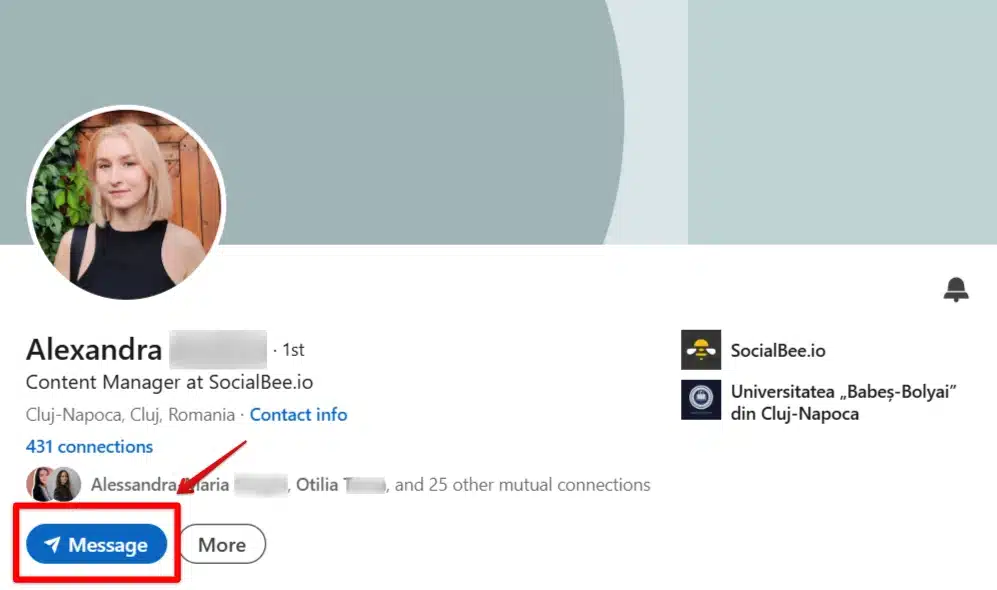
By the time you email, they’ve seen your name, your face and your thinking. You’re not a stranger asking for something; you’re a familiar name offering something useful.
Step 3: Let your email do the heavy lifting
Once people are warmed up via LinkedIn, email becomes the place you:
- Go deeper into topics.
- Share case studies and stories with more detail.
- Invite them to take specific next steps (e.g., book a call, attend a webinar, or reply with a question).
Here are a few practical tips to help you make your emails work better for you:
- Write like you’re emailing one person you know, not ‘all subscribers’. Honestly, this is some of the best advice I have ever received. If you compose an email as if you are addressing en masse, it will never land. But, if you compose an email as if you are writing to just one person, it will land and hopefully convert.
- Reference LinkedIn when it’s relevant: ‘You might have seen my recent post about…’
- Give them one clear next action, not six different links to click.
The goal is to continue a conversation you started on LinkedIn in a quieter, more direct space.
A simple workflow you can actually follow that maximises the use of both LinkedIn and email:
Weekly (LinkedIn):
Post 2–3 short, helpful pieces of content on your key topics.
Comment meaningfully on 5–10 posts from ideal clients, referrers or peers.
Monthly (Email):
Send one email that achieves the following three things:
- Expands on a LinkedIn topic that did well, or
- Answers a question you’ve seen come up repeatedly, or
- Share a short story/case study your LinkedIn audience would recognise.
In the email, you might say: ‘I talked about this briefly on LinkedIn last week, but I wanted to go a bit deeper here…’
Then link back to the original post for those who missed it and give extra context or examples for those who didn’t.
You’ve just recycled content, reinforced your point, and joined the dots between channels.
Why this works so well for smaller, local businesses
Big brands throw money at expensive ad placements and fancy funnels. You don’t need to.
LinkedIn + email works for smaller businesses works because:
- You already know your market (it’s not infinite).
- Relationships and reputation matter more than ‘reach’.
- People are more likely to do business with someone they feel they know, even vaguely, from reading a few of your posts.

The combo lets you:
- Use LinkedIn to build that sense of ‘knowing’ at scale.
- Use email to nurture and progress those relationships privately.
Neither channel is expensive. The real cost is consistency and a bit of courage to show up.
If you do nothing else, do this
- Pick a clear audience you want to reach.
- Post one genuinely helpful LinkedIn update a week aimed at them.
- Once a month, send an email expanding one of those posts to your list.
In both, be very clear about how you can help and what they can do next. This bit is so important. All your emails should have a clear call to action. Book a call, visit my website, or download this paper.
Over time, you’ll notice the same surnames popping up in your LinkedIn notifications and your inbox. Conversations will feel warmer. Calls will feel less ‘cold’. And suddenly, LinkedIn and email won’t feel like two separate chores anymore.
They’ll feel like two marketing tools quietly working together in the background, so you can get back to doing the work you love to do.